


Intimidated by your Cricut?
Updated: May 23, 2025

Just like many of you, I jumped the gun and bought a Cricut, knowing virtually nothing about the machine. I have heard countless people tell me that they purchased one and its now collecting dust. At first glance, the Cricut is an intimidating machine. There is definitely a learning curve, but it's easier than you might think. I'm not gonna lie. Every once in a while, the machine gives me trouble, and I want to throw it out a window! I remind myself that everything is a process and I just have to figure out what is causing the problem so I can find the solution. Take a breath and step away, if I have to. You will be learning an entire system that needs your direction to complete the task at hand. The Cricut has many little gadgets to go with it, but you need to know what you are making and what tools you need. Did I know what I'd be making? Nope! It took me at least 6 months to find what I actually like to make with the machine. Honestly, I debated on getting rid of it because it really didn't feel useful at first.
Where do you begin?
I remember purchasing an obnoxious variety of vinyl that I have honestly, barely ever used. I've made a few keychains and window clings that required little bits of vinyl, but I rarely use it. Save your money. Maybe grab one or two colors. I have learned that I personally hate working with vinyl. It's a pain to transfer and frankly, it's boring for me. I like to create and slapping a piece of vinyl on something, just doesn't do it for me. I especially hate that most vinyl is easily damaged. For example, if you do keychains, you'll often want to put a resin coating over them and resin is a sticky, dangerous, health hazard. It's bad for the environment and a pain in the ass to use. Vinyl shirts can be a pain to make unless you have a real heat press. The Cricut heat presses suck and often don't hold even heat. This can cause the vinyl to not adhere correctly or to not last as long. As any craft you get into, don't spend massive amounts on vinyl. I just sold 12 rolls of vinyl on Facebook Marketplace because it's been sitting in a drawer, unused, for over five years. Maybe vinyl will become your niche, but as I've said, don't overspend! The vinyl is very expensive and look into other brands. Cricut brand is not only expensive, but it doesn't transfer well. Look into the various methods people use to transfer. I found that using a cheap brand (not the scotch because it's way too strong) of lint roller papers, does a great job at transferring small things. Sometimes you can find a package of samples of materials you can use with the Cricut and highly recommend it. It's a great way to get started when you don't know where to start.
Other than vinyl, what else can you do with the Cricut?
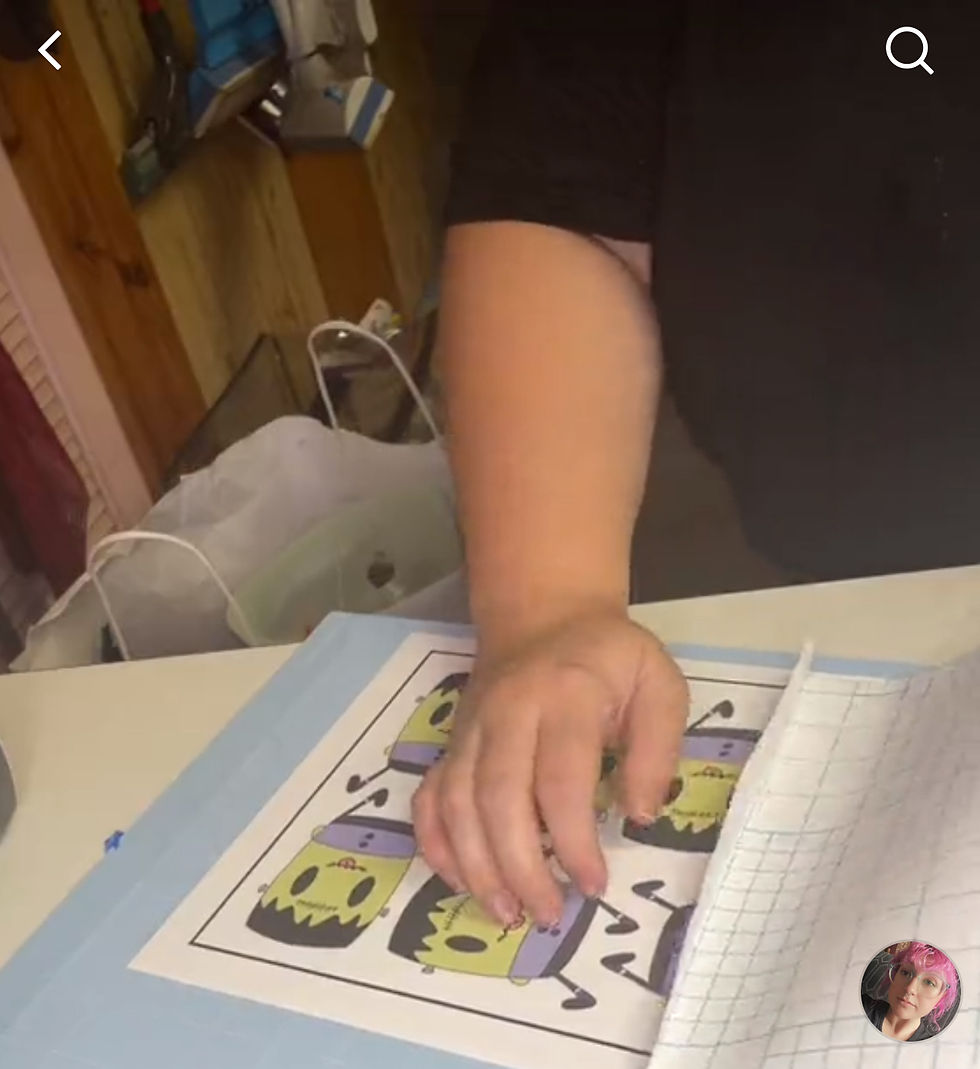
The Cricut is a versatile machine. It can cut, engrave, emboss, foil, write, and much more. I typically use the print and cut settings the most. I design, print, and cut my own stickers. It's really, the only thing I use my Cricut for. I've also used the engraving, foiling, and writing tools. Engraving is a neat tool, but it isn't one you'll probably use often; however, it is definitely a cool one to have in your arsenal if you can afford to. The foiling tool isn't the best. I've heard of other machines out there that can do it better. I found that it's hard to adjust the amount of pressure needed for the tool to transfer the foil. I love using the pens to write. I have really crappy handwriting and it's definitely a helpful instrument. If you're not sure what you want to do with your Cricut, look into the model you have. A simple google search, YouTube videos, and TikTok; can spark an idea and get you started.
Getting to know your machine
Don't be afraid to make mistakes, because you will have a million of them when working with the Cricut. Sadly, the machine does not read your mind and it's not as smart as you'd like it to be. It doesn't always do its job correctly, even when you know what you're doing! One thing can be off kilter and can make you have to calibrate it multiple times. I've learned the steps to almost get the machine to print and cut perfectly when I'm mass producing my stickers, but I always have a few mess ups. Sometimes the matt doesn't load correctly or tight enough, sometimes the matt isn't sticky enough and the sticker paper falls off, sometimes the machine doesn't cut deep enough. So many different factors can play into these mistakes. What I do, may not work exactly the same way for you and your system. I personally use a Cricut Maker, MacBook Pro (2017), Cricut software for Mac, and two different printers: Epson EcoTank 2700 and the Canon MG6280. I follow certain steps depending on which printer I use. I watched countless TikTok's to figure out how to print and cut stickers on the Cricut Maker. The Cricut Maker is not the same as the Explorer. Different machines mean different settings and steps. Study both your machine and any other tool you may need to use to create what you are making. See what works for other people and then prepare to screw it up 20 times before you finally print and cut a sticker that not only is cut correctly but also prints a quality image. It took me hours to figure out how to print a quality image on both types of printers.
Do not waste your money on Cricut Design Space. You'll rarely use it. You can find free and cheaper designs online/ Etsy. There are many free fonts to download off the web. There projects are often extremely complicated and can't be used to sell things. Why pay more than $10 a month to not be able to access a design unless you continuously pay for it? Just pay once for a design online or make your own design! It will be cheaper in the long run.
Remember that it will take time, it will be wasteful, and stressful. If you're not into all of that, then the Cricut is not the machine for you, and that is perfectly okay. At least you'll know before you spend too much money.
-Melissa

Comments